Introduction to Court Calendar Access Online
Online court calendar access enables individuals to view upcoming hearings, trials, and case events through digital platforms rather than visiting physical courthouses. This service gives legal professionals and the public instant visibility into the public court schedule maintained by state and federal courts across the United States.
For attorneys, paralegals, and court staff, reliable court calendar access improves case management and reduces scheduling conflicts. Instead of making repeated phone calls or in-person trips, professionals can quickly locate hearing dates and prepare accordingly, saving both time and resources.
Members of the public also gain important benefits from online court records. Greater transparency helps citizens understand how courts operate, supports civic oversight, and allows interested parties to follow matters that affect their communities without needing special credentials.
Basic definitions are straightforward. Court calendar access refers to the ability to search and display scheduled proceedings, while online court records include related documents such as filings and orders. Together they form the public court schedule that courts publish for open cases.
Availability differs by jurisdiction. Some states operate centralized portals that cover all counties, while others maintain separate systems at the county or district level. Federal courts generally provide broader digital options than many state courts, though most jurisdictions now offer at least limited public court schedule information online.
Users typically search by case number, party name, or attorney to retrieve results. Although coverage continues to expand, certain sensitive matters may remain restricted, and each state sets its own rules for what appears in online court records and how frequently the public court schedule is updated.
How to Access Court Calendars Online
To access court calendar information from the comfort of your home or office, begin by identifying the correct jurisdiction and court level handling your matter. Most federal, state, and local courts now maintain digital portals that let users access court calendar details without visiting a clerk’s office. Start your search by entering the court name plus the phrase access court calendar into any major search engine. This quickly surfaces official websites where you can review upcoming hearings, motions, and trial dates in one convenient location.
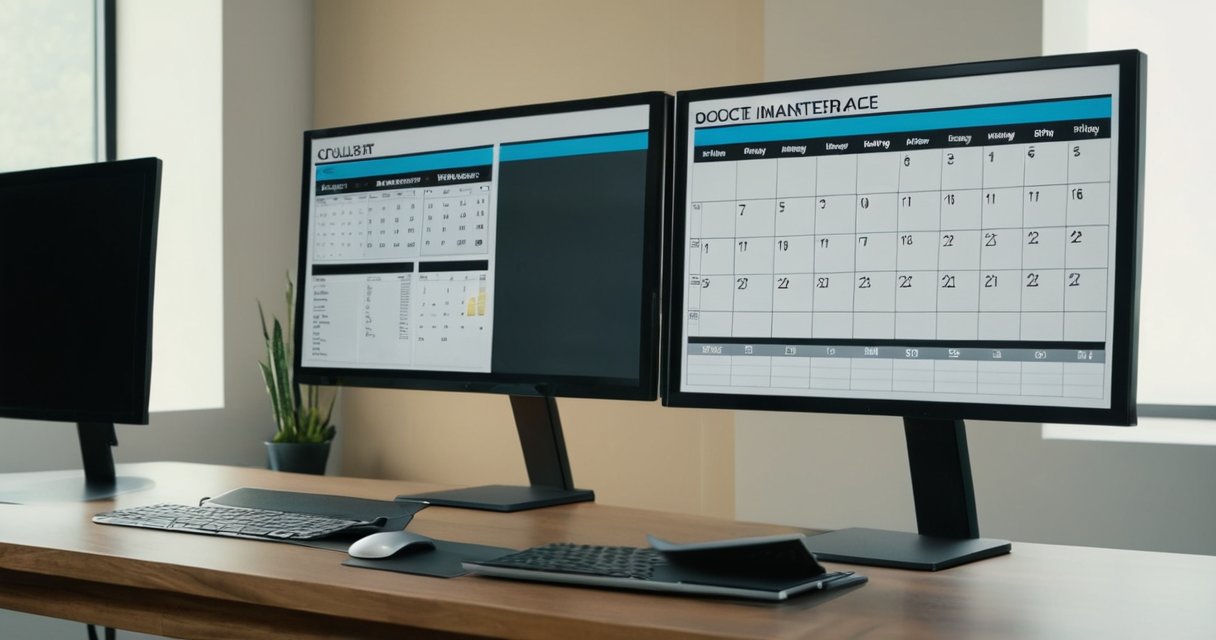
Once on the court’s site, look for links labeled “Case Search,” “Records,” or “Online Court Docket.” These sections usually require either a case number or the names of the parties involved. Enter the information carefully and submit the query. Many systems return a full online court docket that displays every filing, scheduled appearance, and order. If the calendar is not immediately visible, use the built-in court schedule lookup tool to filter results by date range, case type, or judicial officer.
Federal courts rely on the PACER system for comprehensive access. Register for a PACER account, then search by case number or party name to retrieve the complete online court docket. State courts vary but commonly offer similar portals; examples include the California Courts website, Texas’s re:SearchTX, and New York’s eCourts. In every state, begin with the judiciary homepage and navigate to the self-help or public records section to locate the correct access court calendar page.
Nationwide, a reliable method is to combine the court name with the keywords court schedule lookup or online court docket in your search bar. This technique surfaces both official sites and helpful guides. Always verify you are on a .gov domain before entering any personal information. Some courts also provide mobile-friendly versions or third-party integrations that push calendar updates directly to your email or phone.
After locating the desired hearing, note the date, time, location, and any remote appearance instructions. Download or print the calendar entry for your records. If a case does not appear, contact the clerk’s office by phone or secure message to confirm the information is public. Regular use of these digital tools saves time and ensures you never miss an important court date.
Locating Your Local Court Website
Identifying the correct local court website starts with knowing whether your case falls under state or county jurisdiction. Begin your search by entering your state name followed by ‘judiciary’ or ‘courts’ into a reliable search engine. This often leads directly to the state court portal, which serves as a comprehensive hub for all court-related information within the state.
From the state court portal, utilize built-in directory tools such as interactive maps or county listings to pinpoint the exact local court website. These tools streamline the process by providing direct links based on your geographic location. For more granular county court access, search specifically using your county name along with ‘superior court’ or ‘district court’ depending on the structure in your area.
Navigation tips include checking the homepage for links to ‘Case Access’ or ‘Calendars.’ Avoid unofficial sites by confirming the URL includes .gov. Cross-reference with multiple directory tools like those from state government websites or legal aid organizations to ensure accuracy. Once located, bookmark the page for easy future access to court calendars and related documents.
Additionally, some states offer mobile apps or advanced search features within their portals to enhance user experience. Always double-check the date of the information provided to avoid outdated calendar details. By following these steps, you can efficiently locate and navigate your local court website for seamless county court access or broader state court portal resources.
Searching for Specific Cases and Dates
To efficiently search court cases, start by utilizing the case number lookup function provided on court websites. This targeted approach delivers exact matches, enabling you to find hearing dates and access detailed case information promptly.
When the case number is unknown, search using party names. Input the names of plaintiffs, defendants, or other involved parties to retrieve associated records. This technique broadens your options while still yielding relevant results.
Dates offer another valuable search avenue. Specify filing dates, hearing dates, or custom ranges to locate proceedings within particular timeframes. Such date-based queries help in tracking case progress and scheduling.
Most platforms include robust filters and advanced options to refine searches further. Apply filters for case type, court location, or status to narrow down outcomes. Advanced features may support Boolean searches, sorting by multiple criteria, and exporting results for offline review. These capabilities ensure users can effectively manage and analyze court data with precision and ease. Additionally, some sites allow saving frequent searches or setting alerts for case updates, enhancing ongoing monitoring of legal matters.
Legal and Privacy Considerations
Accessing court calendars online necessitates familiarity with US laws that control the dissemination of judicial information. These regulations are designed to promote openness while upholding court record privacy for all parties involved in cases. Public court data serves as a vital resource for transparency in the justice system, yet it comes with strict limitations on sensitive content.
On the Как се прави channel, they explain how to search court records online, and you can watch it right here.
Legal access rules specify which documents can be viewed remotely and which require in-person requests. For example, many jurisdictions restrict the online availability of exhibits or transcripts containing highly personal details to prevent potential harm or misuse of court record privacy.
Users seeking to view public court data must comply with various compliance requirements, including age restrictions and agreements not to misuse the information. Failure to follow these can result in account suspension or legal action from the courts, particularly when handling bulk downloads of public court data.
Moreover, federal systems like the Public Access to Court Electronic Records (PACER) enforce specific policies on data usage. State courts have their own portals with unique rules tailored to local statutes, emphasizing the protection of sensitive identifiers under legal access rules.
It is important to note that even when information is publicly available, ethical considerations should guide its use. Republishing court records without context can violate privacy expectations, even if not explicitly illegal under prevailing statutes.
To stay compliant, regular review of court policies is recommended as laws evolve with technology. This ensures that access to court calendars remains both legal and respectful of individual rights tied to court record privacy.
Additionally, laws such as the Privacy Act of 1974 influence how federal court data is handled online. Organizations providing access services must ensure their platforms meet these standards to avoid liability when distributing public court data.
Ultimately, understanding these aspects helps users navigate the complexities of online court access effectively and responsibly while adhering to all legal access rules.
Tips for Effective Use of Online Court Calendars
To effectively utilize online court systems, begin by understanding the interface of your local jurisdiction’s portal. Court calendar tips often emphasize the importance of regular checks to catch any amendments promptly. Incorporating online docket best practices into your workflow can streamline the process of staying updated on case developments.
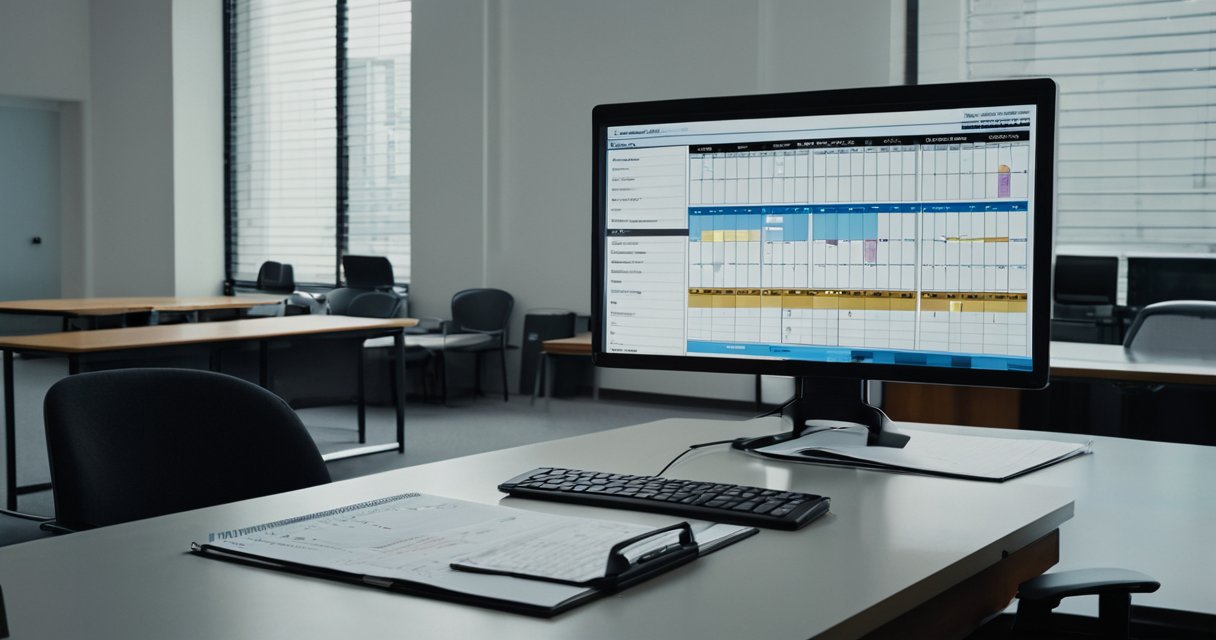
Monitoring calendars requires consistency. Log in at least once daily during active periods of a case to review new listings or modifications. This habit allows you to track court dates accurately and respond swiftly to any adjustments made by the court.
Setting reminders plays a vital role in effective management. Configure automatic alerts through the system’s notification settings for all key events. Consider integrating these with your personal calendar apps for added redundancy and never miss a critical deadline.
Avoiding common pitfalls is essential for success. One frequent error is failing to verify the authenticity of information displayed, as digital systems can occasionally contain errors. Always confirm details directly with court clerks if discrepancies arise to protect your case progress.
Another pitfall involves neglecting to update personal contact information, which can lead to missed notifications. Ensure your profile details are current at all times and maintain detailed notes on each court date and related actions for easy reference.
Additionally, practice secure access habits by using unique passwords and enabling two-factor authentication where available. This protects sensitive case data from unauthorized access while you track court dates across multiple matters.
For those new to digital platforms, take advantage of any tutorials or help sections provided by the court. These resources offer valuable insights into navigating complex dockets efficiently and adopting reliable online docket best practices.
By applying these strategies consistently, users can enhance their proficiency in handling online court calendars and minimize the risks associated with missed deadlines or overlooked information in the judicial process.

I have lived within the jurisdiction of the 18th Judicial District for over twenty years and developed a keen interest in how local court rulings shape our community’s safety and standards. My focus is on tracking case proceedings and administrative updates to help neighbors better understand the judicial process that affects their daily lives. I believe that accessible information is key to fostering trust and engagement with the local legal system.