

When you need to begin viewing public court dockets for free through the 18th Judicial District Court, the first step is understanding exactly which online portal serves Sedgwick County and the surrounding jurisdiction. The Kansas eCourt system operates as the centralized hub for district-level case information, and it is designed to provide basic docket sheets without requiring a registered account or subscription. Unlike some states that hide case summaries behind a paywall or mandatory login, Kansas courts maintain a public access terminal philosophy that extends to the web interface, allowing anyone with a browser to search by name, case number, or filing date. Before you open the site, gather the full legal name of the party you are researching and, if possible, the year the case was filed because the search engine performs best when you narrow the date range. Having a middle initial or date of birth handy will help you distinguish between common names like John Smith that return dozens of results. Finally, make sure you are on a stable internet connection and using a modern browser such as Chrome, Firefox, or Edge because older versions of Internet Explorer often fail to render the search results table correctly.
Identifying the Correct Kansas eCourt Portal for the 18th Judicial District
The 18th Judicial District covers Sedgwick County exclusively, so you must select the proper court location dropdown when you arrive at the Kansas eCourt public access page. The statewide portal at kscourts.org redirects you to the “Public Access” link, which opens a search screen that defaults to appellate cases unless you change the court type to “District Court” and then choose “18th Judicial District” from the county list. Many first-time users mistakenly remain on the appellate tab and wonder why their district case does not appear, so take a moment to verify the court level before typing any search terms. The interface will display a disclaimer reminding you that the data is unofficial and subject to change, which is standard language meant to protect the clerk from liability if a docket entry is updated after you view it. You do not need to create a username or password to proceed past this screen; simply acknowledge the disclaimer and you will land on the search form. Bookmarking the direct district search URL can save you the extra clicks on future visits.
Once the search form loads, you will see fields for party name, case number, citation number, and date range. For most public users, the party name search is the most practical because case numbers are rarely known unless you already have a court document in hand. Enter the last name first, followed by a comma and the first name, which matches the format used in the clerk’s indexing system. If you only know a business name, type it exactly as it appears on contracts or filings because the search does not support fuzzy matching or wildcards in the standard public view. The date range boxes accept MM/DD/YYYY format and limiting the range to a single year dramatically reduces the result set and speeds up the query. After you submit, the system returns a list showing case number, file date, case type, and party names; clicking the case number hyperlink opens the docket sheet without any login prompt.
Navigating the Docket Sheet and Understanding Entry Codes
The docket sheet that appears after you click a case number is a chronological list of every filing, hearing, and order recorded by the clerk for that matter. Each row contains a date, a docket code, a brief description, and often a document image icon if the filing has been scanned and made available electronically. The 18th Judicial District has been imaging civil and criminal filings since roughly 2015, so older cases may show only the text entry without a viewable PDF. Docket codes follow a statewide convention; for example, “PET” indicates a petition, “ANS” an answer, “MOT” a motion, and “ORD” a judicial order. Familiarizing yourself with the most common codes lets you scan a 50-entry docket in seconds and spot the pivotal events such as a summary judgment motion or a sentencing hearing. If a code is unfamiliar, the Kansas Judicial Council publishes a code legend PDF that you can keep open in a second tab for quick reference.
When you see a document icon, clicking it will either open the PDF directly in the browser or prompt a download depending on your browser settings. No authentication is required for documents marked as public, but certain filings such as pre-sentence investigations, juvenile records, or sealed motions will display a lock icon instead of a document icon. Those restricted items are not accessible without a court order or attorney-of-record credentials, and the public portal correctly enforces that boundary. You can print or save any accessible PDF using standard browser commands, and the file will bear a watermark indicating it is an unofficial copy from the eCourt system. For certified copies suitable for legal proceedings, you must still contact the Sedgwick County Clerk of Court and pay the statutory certification fee.
Filtering Results by Case Type and Status to Save Time
The public search form includes a case type dropdown that lets you limit results to civil limited, civil unlimited, criminal, domestic, probate, or traffic categories. Selecting the appropriate type before you search prevents the system from returning hundreds of unrelated traffic infractions when you are looking for a divorce decree or a contract dispute. The 18th Judicial District processes roughly 30,000 new cases annually, so an unfiltered name search on a common surname can easily exceed the 500-result display cap and force you to refine anyway. Using the status filter, open, closed, or reopened, further narrows the list; for example, if you only need active cases, choosing “Open” hides matters that have been dismissed or satisfied. These filters work in combination, so you can search for “Smith, John” in “Criminal” cases with “Open” status filed between 01/01/2022 and 12/31/2022 and receive a manageable list of fewer than twenty records.
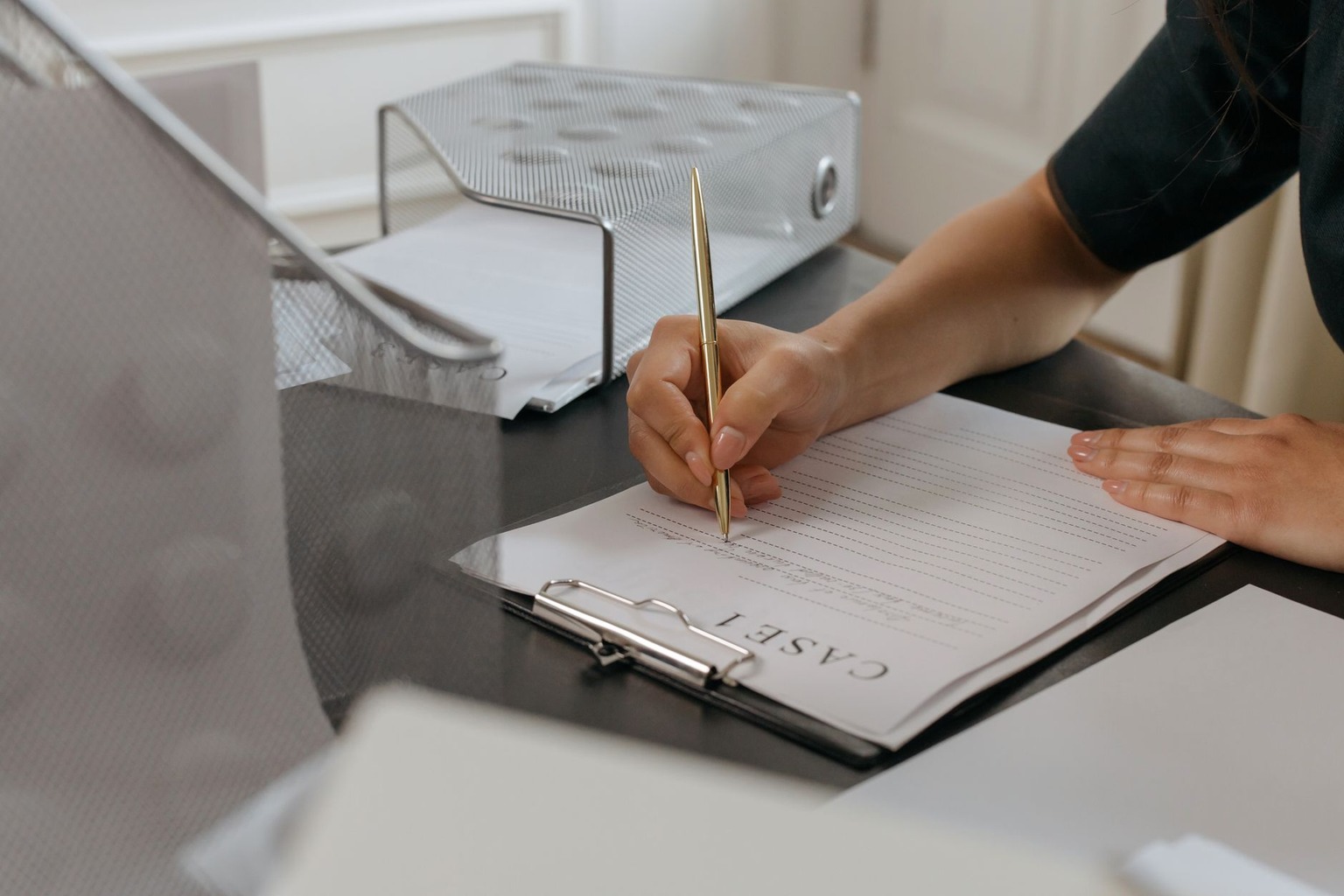
After you apply filters, the results table sorts by file date descending by default, but you can click any column header to re-sort by case number, party name, or case type. This flexibility is useful when you are tracking multiple defendants in the same matter and want them grouped together. The system also supports a “Sounds Like” checkbox for name searches, which applies a phonetic algorithm similar to Soundex and catches variations such as “Smyth” or “Schmidt.” Enable this option if your initial exact search returns zero results but you suspect the name may have been misspelled in the clerk’s index. Remember that each refined search resets the page to the first page of results, so note the case numbers you have already reviewed to avoid duplication.
Accessing Document Images Without a Login or Payment
A major advantage of the Kansas eCourt public portal is that scanned document images are available for viewing public court dockets for free without any pay-per-page charges that exist in federal PACER or some other state systems. When you click a document icon on the docket sheet, the PDF loads directly; there is no shopping cart, no credit card prompt, and no requirement to register for a “filing user” account. The 18th Judicial District began mandatory e-filing for attorneys in 2018, which means nearly every filing since then has a native electronic version that the clerk uploads to the public side after processing. For paper-era cases, the clerk’s office has been back-scanning high-volume categories such as domestic and probate, though coverage is not 100 percent. If a document icon is missing for a filing dated after 2018, it usually indicates the document is sealed, confidential by statute, or still undergoing quality control before public release.
You can download the PDF to your device for offline review, and the file name typically includes the case number and docket sequence number for easy organization. Be aware that large exhibits or transcripts may exceed 50 megabytes and could take a minute to download on a slower connection. The portal does not impose a session timeout while you are actively viewing a document, but the search results page will expire after approximately 20 minutes of inactivity, requiring you to re-run the search. If you anticipate needing many documents from a single case, consider using the “Print Docket” button at the top of the docket sheet, which generates a clean PDF of the entire chronological list with hyperlinks preserved; you can then click each link sequentially without returning to the search screen.
Recognizing Limitations and When to Visit the Clerk’s Office
Despite the breadth of the online portal, several categories of information remain offline or restricted by Kansas law. Juvenile offender cases, child in need of care proceedings, adoption records, and mental health commitments are never displayed on the public site regardless of age. Additionally, the 18th Judicial District does not publish judicial calendars or future hearing dates on the public docket; those schedules are maintained in a separate case management module accessible only to attorneys and court staff. If you need to confirm a hearing time, you must call the assigned division’s judicial assistant or appear in person at the Sedgwick County Courthouse. Another limitation involves exhibits admitted at trial; while the exhibit list appears on the docket, the actual exhibits, photographs, contracts, weapons, are stored in the clerk’s evidence room and require a formal request and judicial approval to inspect.
Older cases filed before the imaging initiative may show only a skeleton docket with no document icons at all. For those matters, the physical file may still reside in the clerk’s basement archives or at the State Records Center in Topeka. Retrieving an archived file typically takes two to three business days and incurs a retrieval fee of $15 per case plus copying charges. The clerk’s website publishes a “Records Request” form that you can mail or email to initiate the process without visiting downtown Wichita. Finally, remember that the online docket is updated once each business day, usually overnight, so a filing made this morning will not appear until tomorrow. If you need real-time confirmation of a filing, the clerk’s filing counter can verify receipt immediately.
Using Advanced Search Techniques for Comprehensive Research
Power users can combine multiple search fields to perform highly targeted queries that go beyond simple name lookups. For instance, entering a known case number prefix such as “2023-CV-” in the case number field along with a plaintiff’s last name in the party field will return only civil cases from 2023 involving that plaintiff. The citation number field accepts statute citations like “21-5402” and returns criminal cases charged under that specific statute, which is invaluable for journalists or policy researchers tracking prosecution trends in the 18th Judicial District. You can also search by attorney name using the “Attorney” dropdown that appears when you expand the advanced options; this reveals every case where a particular lawyer has entered an appearance, helping you assess caseload or conflict potential. These advanced fields are sticky, they remain populated until you clear them, so remember to reset the form before starting a new unrelated search.

The results page supports exporting up to 500 rows to a CSV file via the “Export Results” button at the bottom of the table. The export includes case number, file date, case type, party names, and current status but does not include docket entries or document links. This feature is useful for building a local spreadsheet to track dozens of cases over time, especially if you are monitoring a docket for a class action or a series of related landlord-tenant disputes. When you open the CSV in Excel, apply filters to sort by status or date, and you can quickly identify which cases have recent activity warranting a deeper look at the full docket. Keep in mind that the export reflects the data at the moment you click the button; it does not auto-update, so you will need to re-export periodically for current information.
Staying Compliant with Kansas Open Records and Privacy Rules
While the 18th Judicial District provides broad electronic access, users must remain aware of the Kansas Open Records Act (KORA) exemptions and the court’s own privacy rules that govern misuse of docket data. Bulk downloading of the entire docket database via scripts or bots is prohibited by the portal’s terms of use and can result in IP blocking; the system employs rate limiting that triggers after roughly 60 requests per minute. If you have a legitimate research need for large datasets, the Kansas Judicial Branch offers a formal data sharing agreement process that provides structured extracts under a memorandum of understanding. Additionally, certain personal identifiers such as Social Security numbers, financial account numbers, and driver’s license numbers are redacted from public PDFs pursuant to Supreme Court Rule 120, but older scanned documents may occasionally contain unredacted data. If you encounter such information, do not capture or distribute it; instead, report the document to the clerk’s office so they can apply the proper redaction.
Finally, understand that the docket sheet is a clerical record, not the official court record for appeal purposes. Appellate courts require a certified transcript or a settled statement of the record, neither of which is generated by the public portal. If you are a litigant representing yourself, the Kansas Judicial Council publishes self-help guides that explain how to request certified copies, file motions electronically through the e-filing system (which does require registration), and navigate procedural deadlines. The 18th Judicial District also operates a Self-Help Center on the first floor of the courthouse where staff can answer procedural questions but cannot give legal advice. Using the online docket effectively means knowing its boundaries and supplementing it with direct clerk contact when the stakes demand official documentation.

I have lived within the jurisdiction of the 18th Judicial District for over twenty years and developed a keen interest in how local court rulings shape our community’s safety and standards. My focus is on tracking case proceedings and administrative updates to help neighbors better understand the judicial process that affects their daily lives. I believe that accessible information is key to fostering trust and engagement with the local legal system.